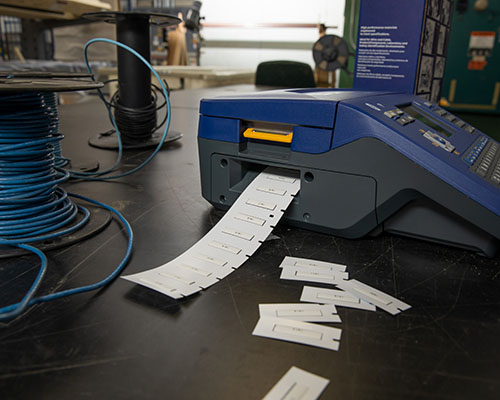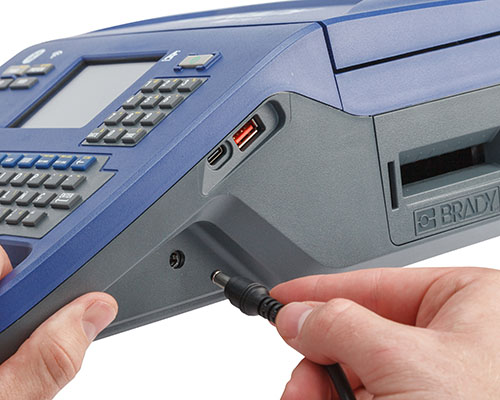
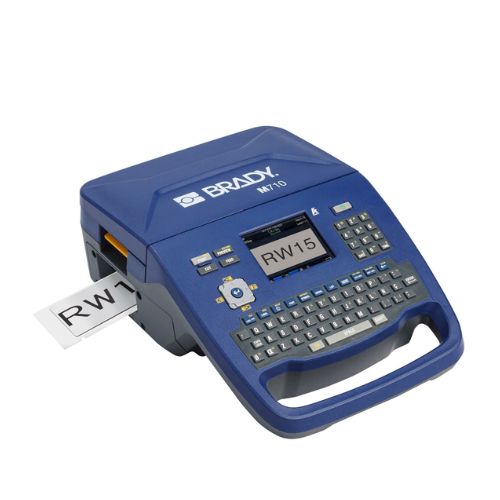
M710 Portable Label Printer

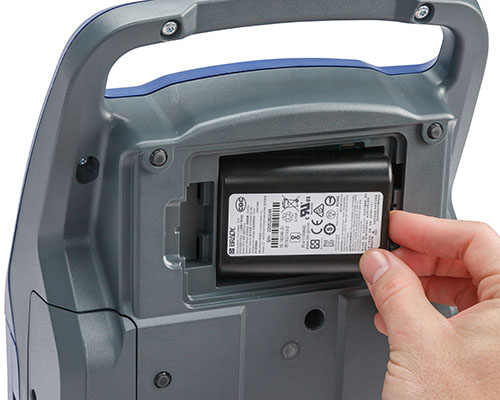
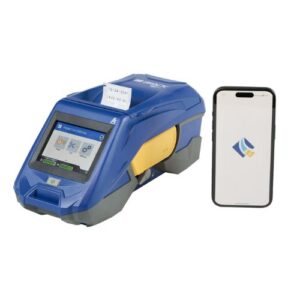
More speed. Less mess. It’s our fastest, most advanced printer yet. Print 3″ per second. Auto-cut labels. Work all day on one charge.

Category:

Overview

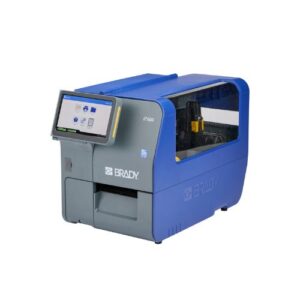
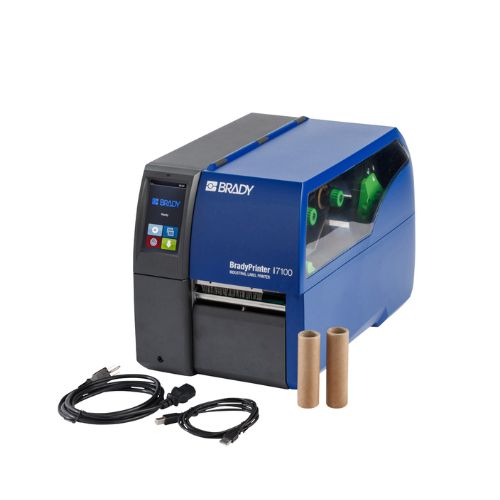
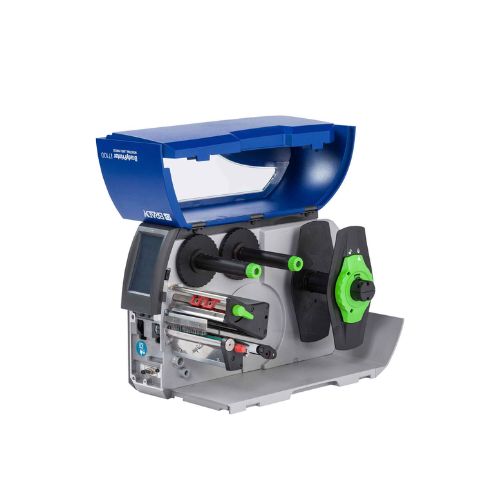
Get your ideal label printing scenario with the BradyPrinter i3300 Industrial Label Printer – labels and ribbons that snap into place, no calibration and no wasted blank labels.

  • Included Brady Workstation GHS Label app makes creating custom labels GHS labels fast and efficient
  • Get auto calibration in the printer and auto setup in the software with print smart technology that allows the printer, label materials, ribbons and software to work together
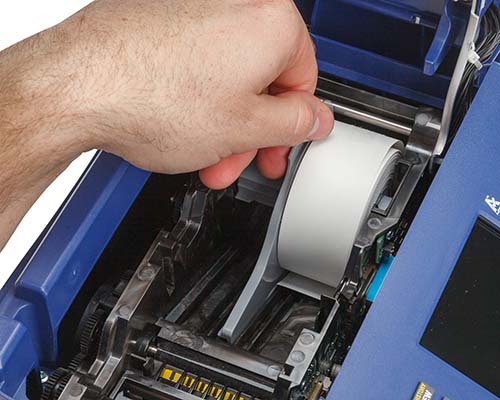
  • Changeovers in a flash – foolproof drop-in label rolls and ribbons snap into place in 20 seconds
  • Print smart technology allows the printer to print on the first label – even small labels
  • Save time and reduce errors by importing your data from your SDS infosheet through the GHS App
  • Setup is stress free – Contact our Brady Technical Support Team and we will schedule a free phone setup appointment

Top Applications

General Identification

Directional marking, Equipment labeling

Wire and Cable

Sleeves, Self-Lams, Wire Wraps, Flag Labels, Cable Markers

Rating & Name Plate

Durable finished goods, High quality barcode images and text, UL certification


Circuit Board

ESD labels, Polyimide circuit board labels


Laboratory

Vial, Tube, Slide labeling, Sample identification

GHS Label Requirements

Labeling is the cornerstone of GHS compliance, and Brady’s GHS label makers allow you to print your own whenever you need it. But before you print your own labels with a GHS label printer (or using a pre-printed option), it is important to know what goes into a GHS compliant label for primary and secondary containers. There are six key GHS label elements that you need to know.

GHS Label Requirements
  1. Signal Word

    The signal word indicates hazard level. “Danger” is used for the most severe instances, while “Warning” is less severe. View the GHS Signal Words guide.

  2.  GHS Symbols (Hazard Pictograms)

    These pictograms are used to identify hazardous products and are commonly grouped by chemical / physical risk, health risk, and environmental risk. View the GHS pictogram guide.

  3.  Manufacturer Information

    This identifies the manufacturer’s company name, address, and telephone number.

  4.  Precautionary Statements / First Aid

    These are phrases tied to each hazard statement. They describe general preventive, response, storage, or disposal precautions. These statements are found on the chemical’s Safety Data Sheet. Similar to Hazard Statements, Precautionary Statements can be identified by a P-Code (like P100).

  5.  Hazard Statements

    These are phrases that describe the nature of hazardous products and the degree of hazard. Hazard statements are on the chemical’s Safety Data Sheet (SDS) and identified by an H-Code (like H100). View the GHS Hazard Statements guide.

  6.  Product Name or Identifiers

    This identifies the product or chemical name. Additional identifiers can be noted to the right of the Manufacturer’s information (#1).

Additional information

Product Number

175662

UPC

8.88435E+11

UOM

Each

Trade Name

M710

Brand Name

Brady®

Dimensions

13.59×9.45×4.6 in (H×W×D)

Height

13.59 in

Width

9.45 in

Depth

4.6 in

Display Size

2.12 x 2.81 in

Weight **

5.40 lb

Color

Blue

Shipped With Battery

Yes

How Is Battery Shipped

Shipped in box

Battery mAh Rating

1800 mAh

Battery Weight

0.45 lb

Connectivity Options

Standalone Use

Cutter Type

Auto Cutter

Device Connectivity

PC Connected

Display type

Color LCD Touch Screen

Keyboard Type

QWERTY

Memory

200 MB

Number of Symbols

500+

Plug Type

US

Power Supply Voltage

110 – 240 V

Auto Shut-Off

User Configurable

Recharge Time

3.5 hours

Download brochure